How do I check my calling records?
You can check your inbound and outbound calls usually referred to as "Call Detail Records" from our voice switch portal URL at
https://cs01.cloudone.co.ke/vup or https://ls02.cloudone.co.ke/vup
Logging in to your account
All retail clients can access self-care web portal that combines management and billing.
The CS01 Clients’ portal is accessible through following link: https://cs01.cloudone.co.ke/vup/login while the LS02 Clients’ portal is accessible through following link: https://ls02.cloudone.co.ke/vup/login
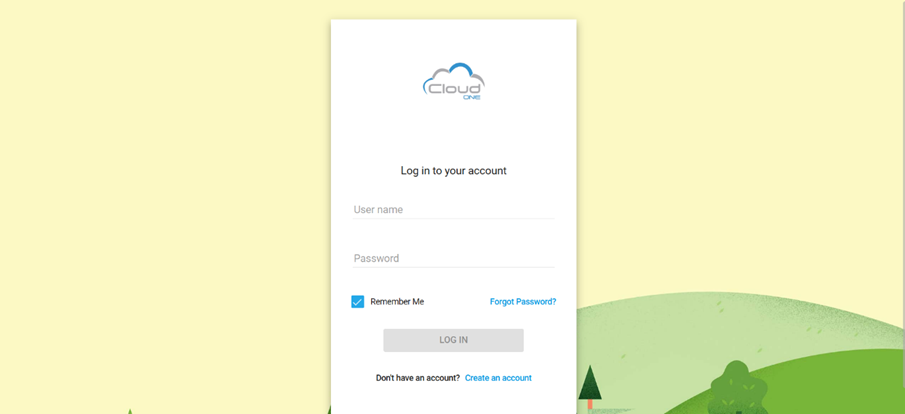
On this link enter your username and password to log in.
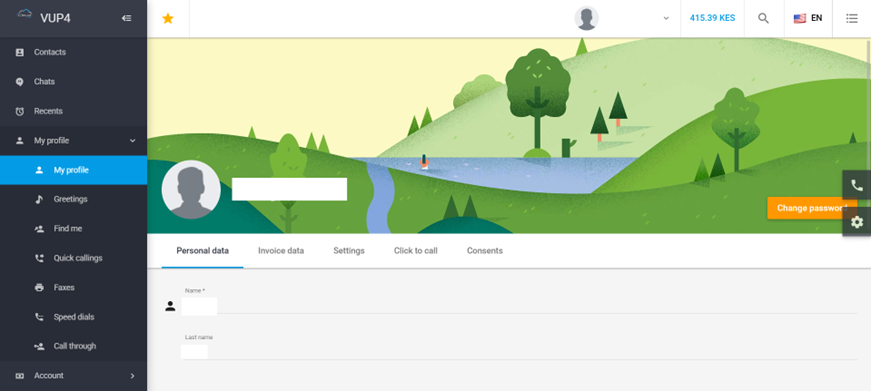
After successful log in you will reach main portal screen:
Checking Call Records
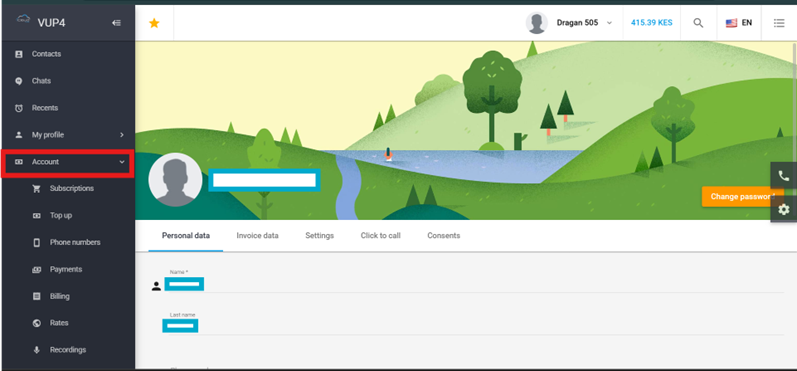
To check on the call records chose (from your left-hand side menu) option “Account”
This will open full Account menu:
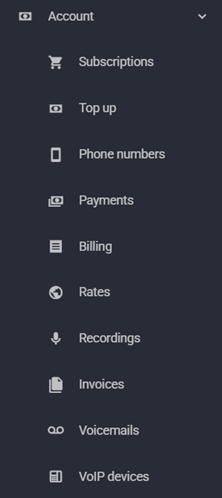
Choose option “Billing”
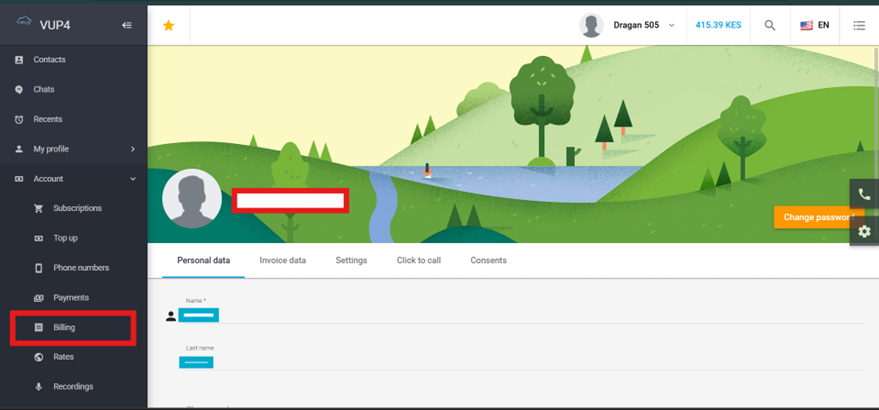
This will open the list of all records. However, to see specific calls for time period, click on “Show filters”
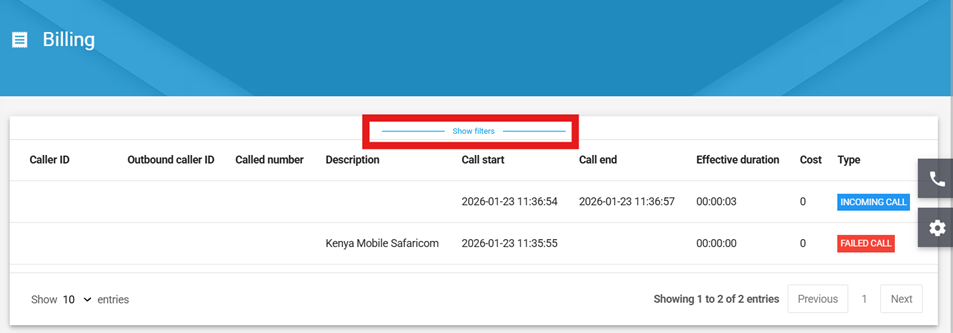
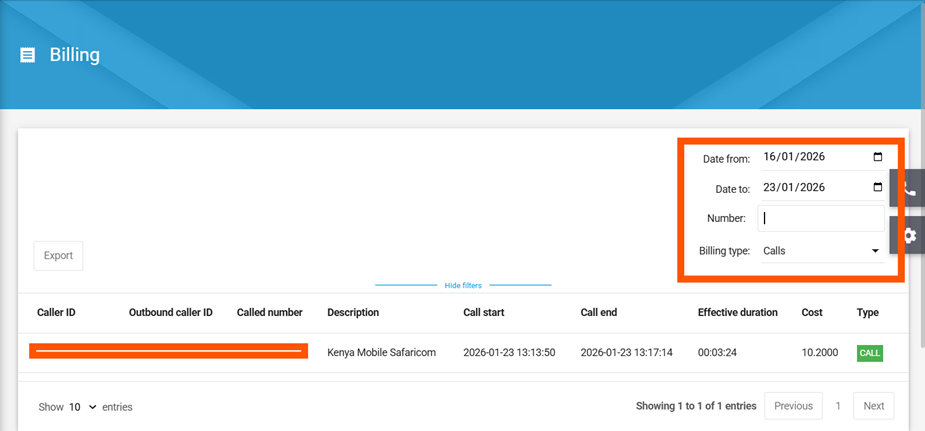
Now you can select time period for which you want to see call records or export it to a file
Select the time period (and/or dialled number in “Number field”), choose “Calls” in Billing type to see specific records and your searched calls will appear as per below:
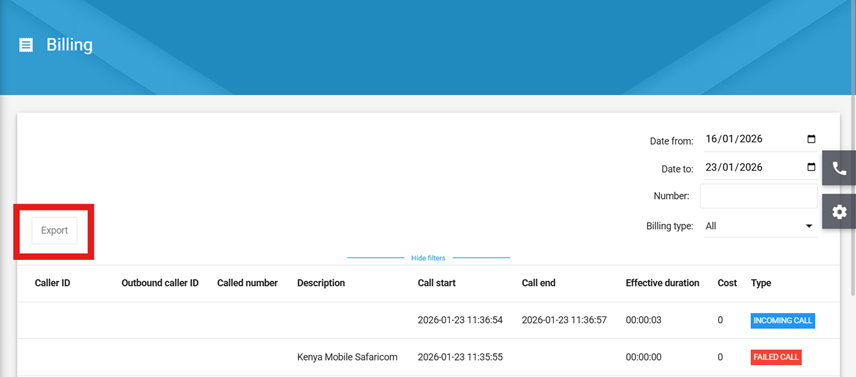
If you would like to export call records, click on “export” button and decide where to save the exported file. Exported file will be downloaded in a CSV file which can then be imported in excel for further review or manipulation.
A pdf guide can be downloaded here