



Cloud One Simu Connect UC Clients
Stay connected anywhere anytime with call, meet, and chat, all in one simple app.
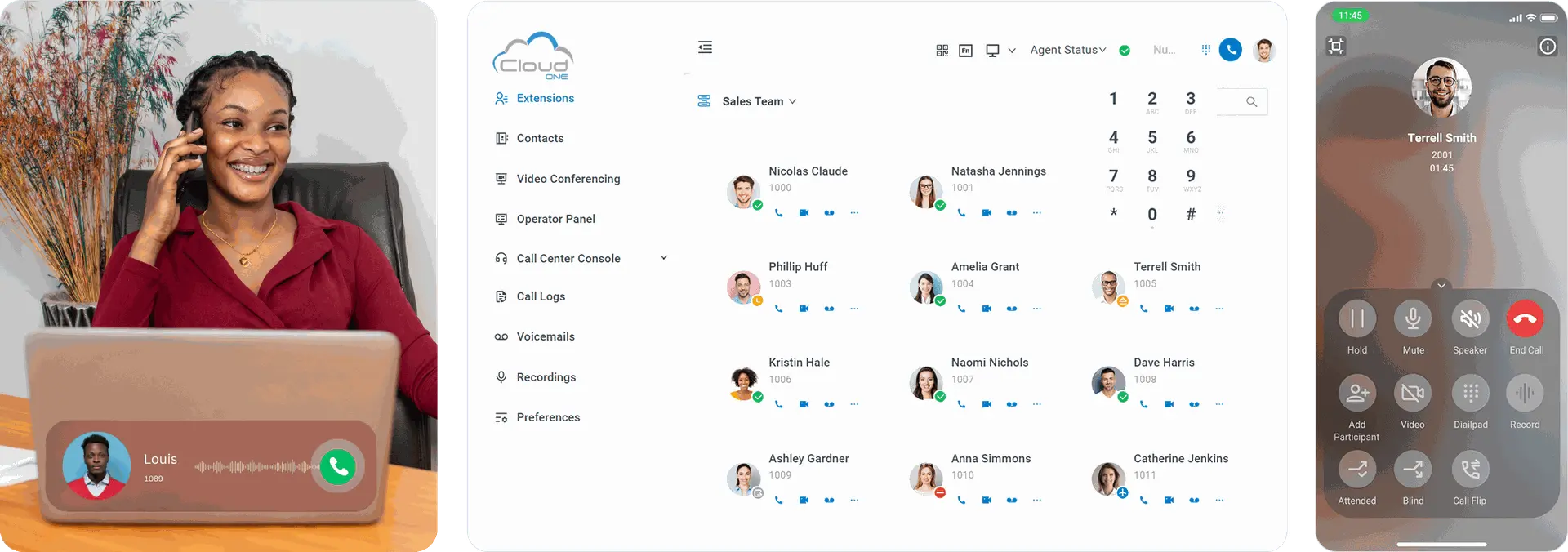
Work Remotely with Ease
Our mobile application, Simu Connect, supports Desktop / macOS, Android and iOS devices to allow you stay connected to your Cloud One Business Communication Suite

The all-in-one app for your business communications
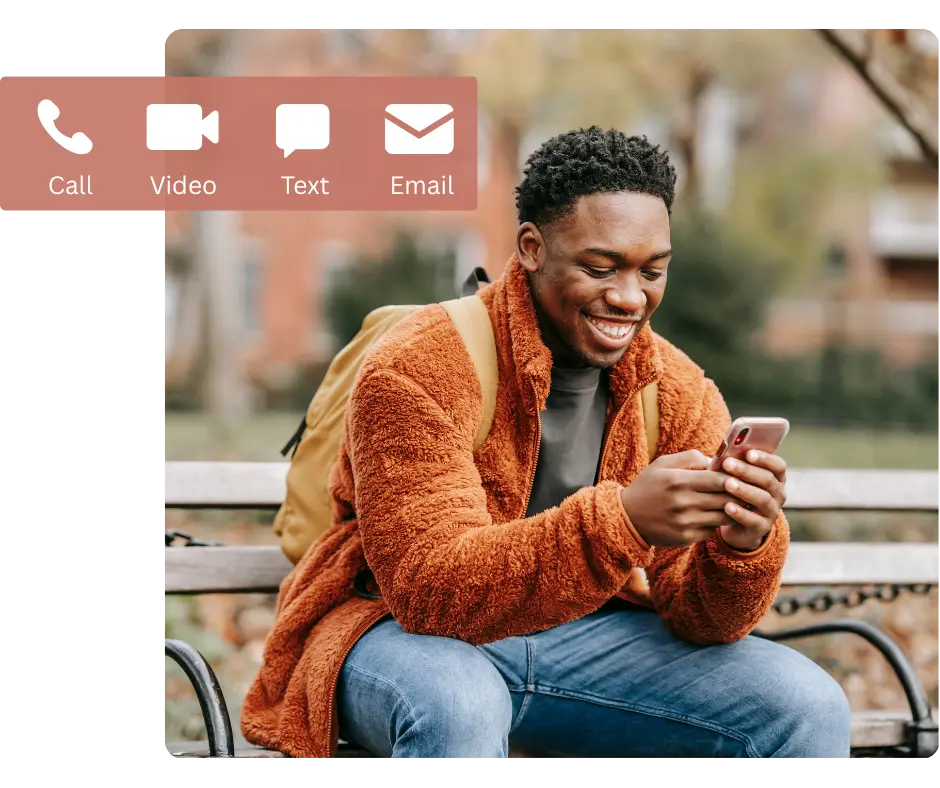
Fully-featured
Call, video, message, conference, and more. Access Cloud One Business Communication Suite features anywhere with internet connection.
Easy to use for everyone
Use the Simu Connect app on your computer or mobile phone. Streamline workflows with modern, easy-to-navigate interfaces.
Simu Connect Desktop Client Simu Connect Google Chrome Extension
Manage and Control Your Calls
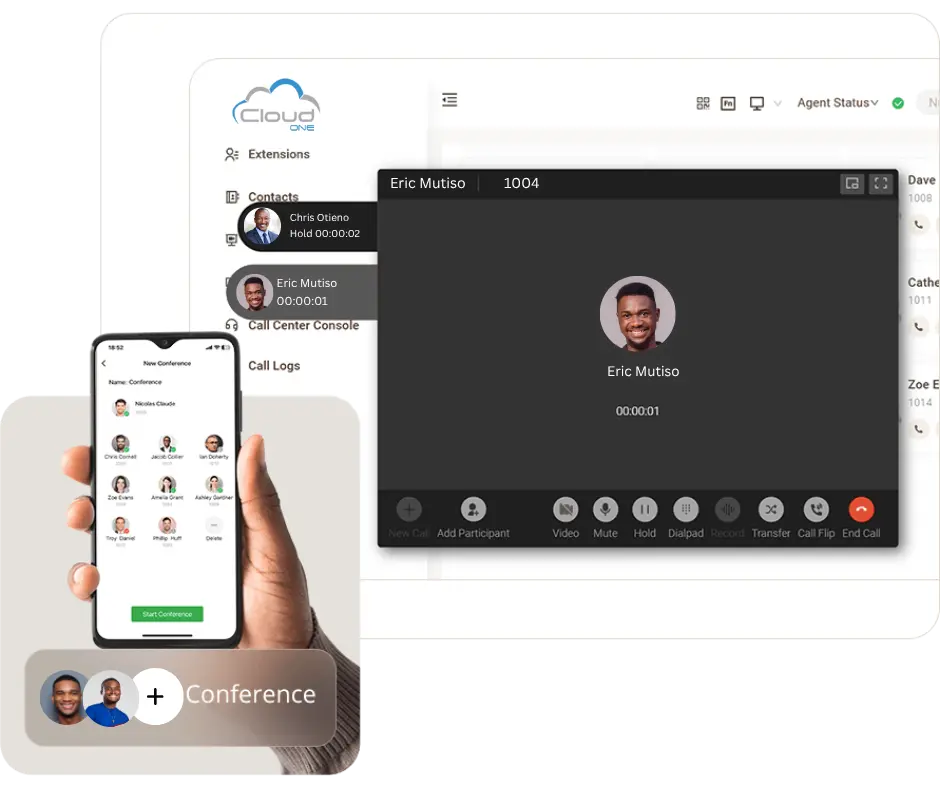
- Make and receive audio/video calls and switch between them with one click.
- Transfer, hold, mute, and record a call to any phone number or extension.
- Check missed calls and call history. Listen to voicemails and one-touch call recordings.
- Set up personal call forwarding rules and ring strategies easily.
- Flip a live call seamlessly between your desktop, mobile, and IP phone without interrupting the conversation.
Chat, conference, and collaborate
Omnichannel Messaging
Connect with customers through WhatsApp, SMS, and team chat applications. Respond to messages and work together with your team, all from one convenient interface.

Conference and Meeting
Enjoy crystal-clear audio conferencing and web-based video calls with seamless screen sharing. Start, organize, and join meetings effortlessly with a click.

All your contacts in one place
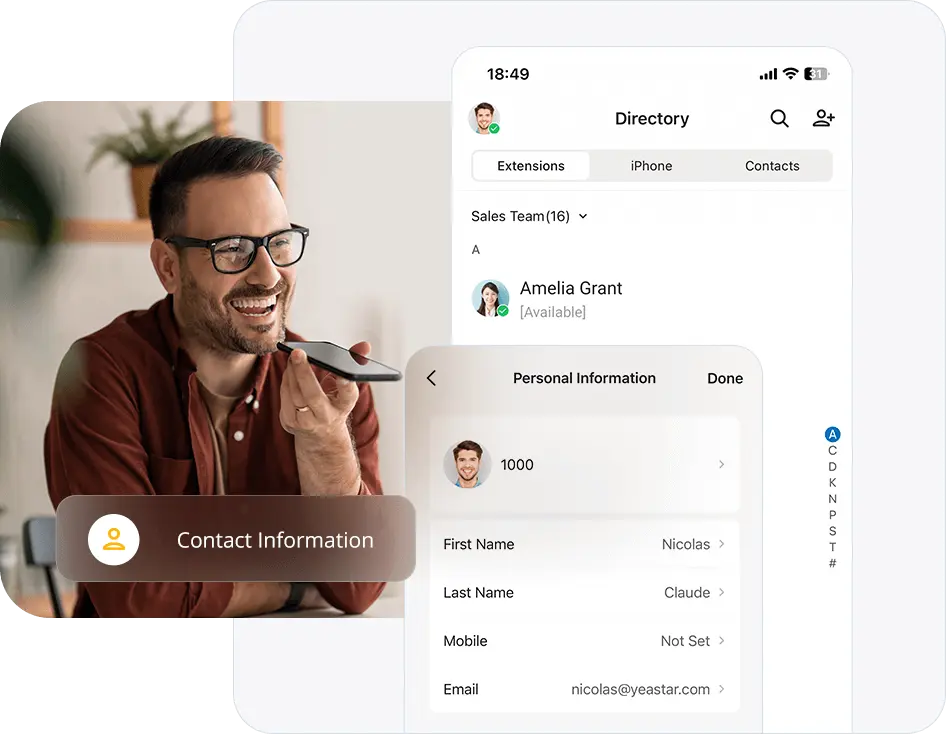
Streamline your business communications by keeping all essential contact information in one place. This allows your team to easily identify and connect with customers whenever needed.
- Unified corporate directory
- Create & manage personal or shared contacts
- Sync contacts from CRM and helpdesk platform
More standout features and integrations
Remote Access Service
Secure and stable communications anywhere without port forwarding.
Call Center Console
Monitor and manage your queues and agent activities in the web client.
Presence States
Let your colleagues know if you are available with presence indicators.
File Sharing
Share files, documents, images, etc, in one-to-one or group chats.
Function Keys
Set up feature shortcuts to speed dial, intercom, BLF monitoring, and more.
Desk Phone Control (CTI)
Connect IP Phone to control calls on computer while talking via IP Phone.
Microsoft Teams Integration
Embed Simu Connect app on Microsoft Teams to streamline your workflow.
Outlook Integration
Click-to-call Outlook contacts and check your call logs directly in Outlook.
CRM Integration
Support HubSpot, Salesforce, Zendesk, Zoho, Bitrix24, Odoo, and more.
Discover Managed Cloud One Business Communication Suite
Check out our unified communication platform today !
Enhance your Business Communication
Reach out to us now to find out more about Cloud One Simu Connect and explore the top features that can improve your Business Communication System.