Cloud One Simu Connect Google Chrome Extension
A browser softphone for lightweight web communications, click-to-call, never-missed incoming call notifications, etc.
How Does it work?
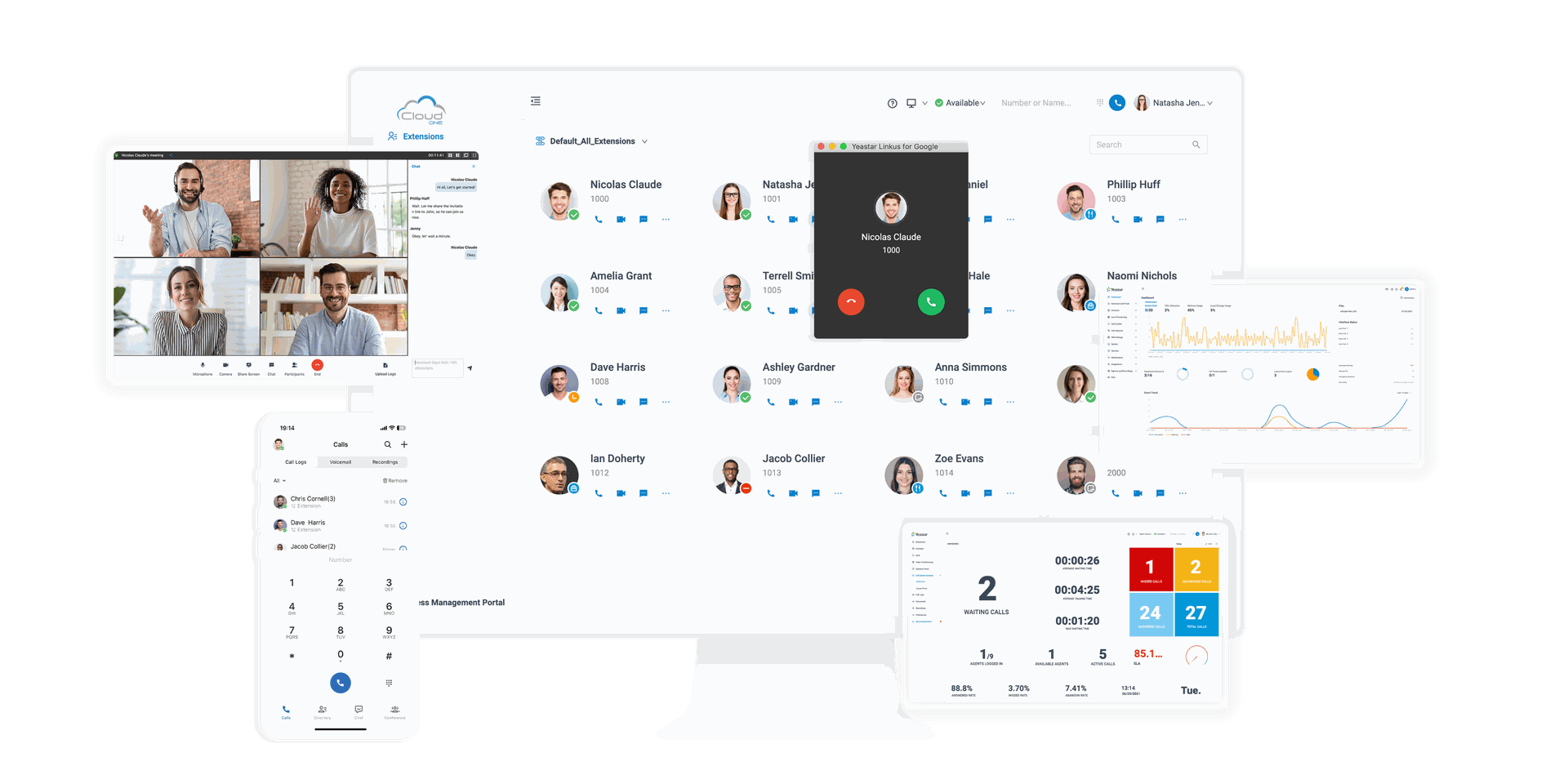
Go beyond basic call handling, Cloud One Simu Connect for Google delivers convenience by incorporating all the essential webphone features in one place: easy dialpad, active call control, PBX-integrated contact search & auto-matching, extension presence management, notifications for new voicemails & missed calls, phone number auto-detection, and more. With it, you can handle daily business calls without opening your Web Client; effortless launch calls to numbers that are displayed on web pages and web CRM systems; and receive incoming call pop-ups even with your web browser closed.
Features and Use Cases:
Incoming Call Popups
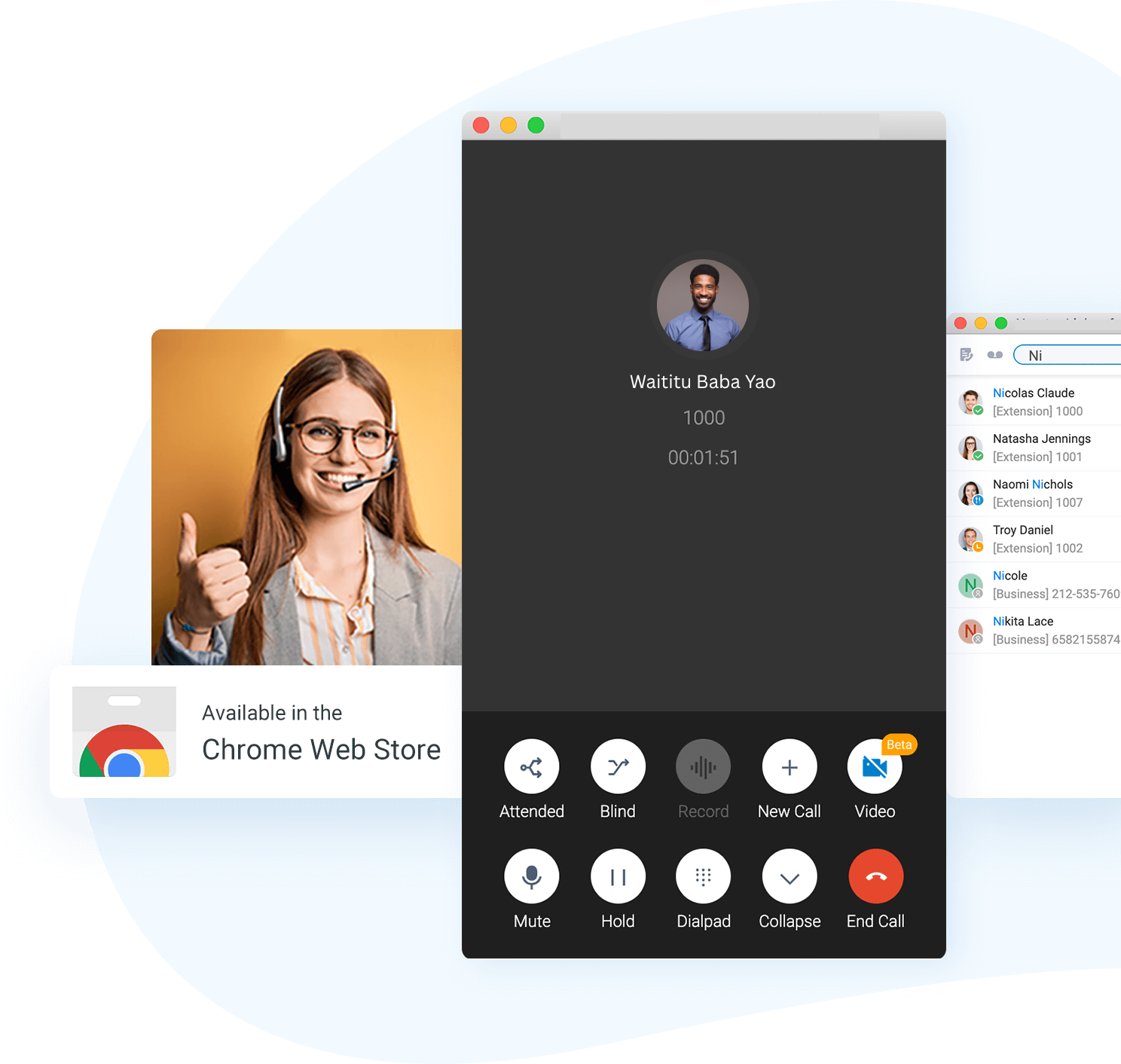
No matter which window or tab you’re working on, the extension will notify you of an incoming call. The extension keeps running background to take care every signal, so you won’t miss an important call. Better yet, the call pop-ups will also display the name of caller if it’s matched to a PBX contacts.
Active Call Control
Cloud One Simu Connect for Google is a practical webphone that can execute almost all the functions of a deskphone. Basic calling features like transfer, hold, and mute are only clicks away in the call interface. Plus, you get prompted of new voicemails & recordings with numeric indicators and can access them quickly with shortcut links to your Cloud One Web Client.
Click to Call
Power your sales, supports, and phone agents with fast click-to-call of any phone numbers on any web pages or web-based CRM like Hubspot, Google Contacts and more! The extension identifies telephone numbers on the web pages automatically and converts them into clickable links for your easy and quick dialing.
Contact Search
Take advantage of your own company directory and Cloud One PBXs native Contacts management to make phone calls to your peers and contacts quickly. You can search contacts by name or number, view peer presence at a glance, and simply click to initiate an audio or video call.
Presence Management
Manage and change your PBX extension presence and agent status easily right in the extension tab. Just click the icons on the toolbar to switch presence between Available, Away, Do Not Disturb, etc. and pause/unpause or login/logout yourself from queue if you are a call center agent.
How to configure Cloud One Simu Connect Google Chrome Extension

Related Cloud One Business Communication Systems
Cloud One Simu Connect for Google is compatible with Cloud One Business Communication systems as highlighted below.
Semi Managed Business Phone Systems
Scalable Appliance-based IP PBX with all powerful telephony features, business features and more. Read More >>
Cloud One Managed Business Communication Suite
Expertly Managed Cloud Based Communication System designed for enterprises of all sizes. Discover >>
Self Managed Business Communication Suite
Full featured Business communication system tailored for enterprises with in house PBX technical expertise. Full Details >>